
Cloud-Based Ticketing System: A Guide to Smarter Customer Support
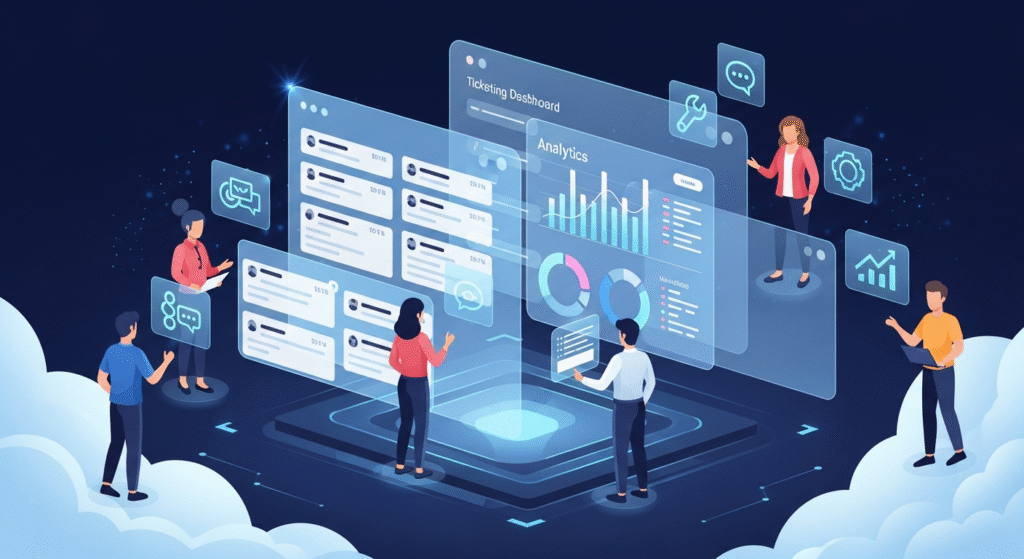
In today’s fast-moving digital world, customers expect fast, efficient, and reliable support. For many businesses, managing support through emails, spreadsheets, or disconnected tools leads to lost tickets, delayed responses, and frustrated clients.
This is where a cloud-based ticketing system comes in. Platforms like TKTGNEXT allow support teams to centralize all inquiries, automate workflows, and gain insights to improve service quality—all from a single platform.
What Is a Cloud-Based Ticketing System?
A cloud-based ticketing system is software hosted online that lets businesses manage customer support requests from multiple channels—email, chat, phone, and social media—without needing complex local installations.
Unlike traditional, on-premise systems, cloud-based solutions:
- Can be accessed from any device or location
- Scale easily as your business grows
- Receive automatic updates and new features
- Enable teams to collaborate in real time
Essentially, it streamlines support operations while giving businesses full visibility over their workflow.
Why Your Business Needs One
Traditional support systems are prone to inefficiencies. Agents may miss emails, duplicate work can occur, and tracking performance becomes difficult. A cloud-based ticketing system helps businesses:
- Respond faster to customer inquiries
- Reduce errors and lost tickets
- Improve overall customer satisfaction
- Optimize team productivity
- Make informed decisions using real-time analytics
With customers expecting instant and personalized support, having the right system is no longer optional—it’s essential.
Key Features of a Cloud-Based Ticketing System
Multi-Channel Support
Customers interact in many ways today. Email, live chat, phone calls, and social media messages can all be funneled into a single dashboard. This ensures no request goes unanswered and reduces response times significantly.
Automated Workflows
Manually assigning tickets and tracking priorities wastes time and causes mistakes. Automation ensures tickets are routed to the right agent, high-priority requests are escalated, and agents spend more time solving issues than managing processes.
Real-Time Analytics and Reporting
Monitoring performance is crucial. Cloud-based ticketing systems provide dashboards showing ticket volumes, agent performance, resolution times, and customer satisfaction. These insights help managers refine processes and boost efficiency.
Knowledge Base & Self-Service
A robust knowledge base lets customers find answers themselves, reducing repetitive tickets. TKTGNEXT allows organizations to customize their knowledge base with articles, FAQs, and tutorials tailored to their audience.
Collaboration Tools
Internal notes, shared ticket views, and live updates help agents collaborate effectively. Teams can resolve tickets faster and ensure consistency, even when working remotely.
Mobile Access
With mobile functionality, support teams can manage tickets and respond to customers while on the move. This ensures continuous support and flexibility for distributed teams.
Benefits of Using TKTGNEXT
- Faster Resolutions: Automation and multi-channel integration reduce delays.
- Improved Customer Satisfaction: Customers get timely responses and self-service options.
- Enhanced Agent Productivity: Less manual work, more focus on solving issues.
- Data-Driven Decisions: Analytics provide actionable insights to improve processes.
- Scalable and Secure: Grows with your business while keeping customer data protected.
Real-World Impact
Businesses that implement cloud-based ticketing systems like TKTGNEXT have reported:
- 50% faster ticket resolution
- Higher customer satisfaction
- Reduced workload for support agents
- Clear insights into operational efficiency
By consolidating support in one platform, teams can focus on solving problems, not managing processes.
Conclusion
A cloud-based ticketing system is no longer a luxury—it’s a necessity for businesses that want to stay competitive. TKTGNEXT offers everything a support team needs: multi-channel ticketing, automation, analytics, and mobile accessibility.
Request a demo today to see how your team can deliver faster, smarter, and more reliable customer support.